
VCV Manager email recovery
The VCV Manager email has recovery details in case you get locked out. The stored email address and phone number belong to one of the VCV members. You will need to change those details if that member is no longer active.
- Open the VCV Manager email.
- In the top right corner, click the circular VCV logo.
- Click "Manage your Google account".
- Find Security Checkup, then "Sign-in & recovery".
- Change the phone number and email as necessary.
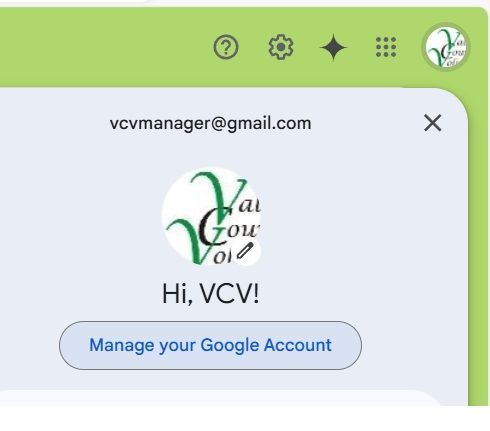
- Click "Manage your Google account".
- Find Security Checkup, then "Sign-in & recovery"
- Change the phone number and email as necessary.
