
Updating the Calendar
The Calendar briefly lists the locations where the group will be working. If circumstances, and therefore the location of the working site change, you can easily update the Calendar.
Use the Calendar to show only a site name (and the task if known). Other information such as grid references for publicly accessible sites are on the Sites page anyway, and the Chairman will mention any special details in the email before each event.
Our Calendar is a Google calendar. Although everyone can view our calendar from the VCV website, you do not update the calendar by logging in to the website editor. To update the calendar, login to Google Calendar using our email user account, VCV manager@gmail.com and our password.
If the Chairman has issued a list of the season's schedule, you can paste that text into the Google document, VCVschedule. Anyone can see that whole season's schedule by clicking the Quick View button at the top of the calendar. To update the VCVschedule document, login to Google Documents using our email user account, VCV manager@gmail.com and our password.
If you want to contact members by email, see the list of their email addresses in the Google document, Email-list.
Detailed information
To access our calendar and documents, go to the Google search page, and click on "Sign in".
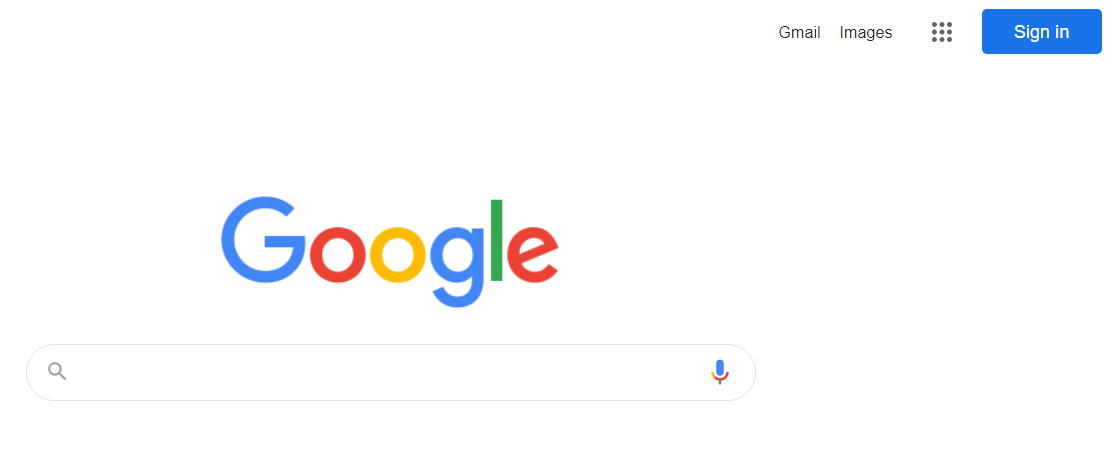
After sign-in as VCVmanager@gmail.com, you can access our calendar and documents.

When you add a task for each Wednesday in the calendar, click inside the box (shaded here in green), and not on the date (circled here in red).

Updated 7 Feb 2026 by Steve T