
Handling problems on the Contact Us page
An email message from someone who uses the Contact-Us page on our website goes to the email address, VCVmanager@gmail.com
and is called a "Form response notification".
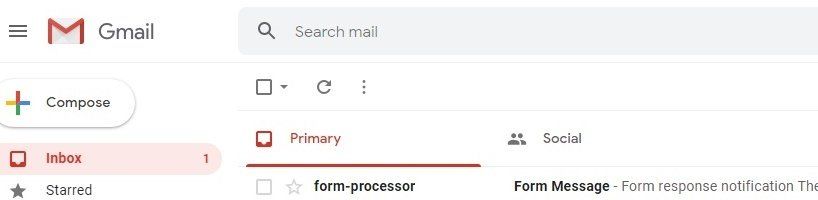
If you then reply as you would to a normal email - by clicking on Reply - you will see receive a strange message from Mail Delivery Subsystem, "Address not found ... Your message wasn't delivered ..."
So, in the Form response notification, click on the email address at "Email:" or click the blue link "Reply to customer", which is at the bottom of the message. You will see the usual New Message box.
Do not add any CC and BCC email addresses, because those people will not see the sender's original message.