Adding a book to the wildlife library
Some members have books that other members can borrow. You can add more books at any time to this list.
Before you start, you need a photograph of the book cover, and a brief description of the book in mind.
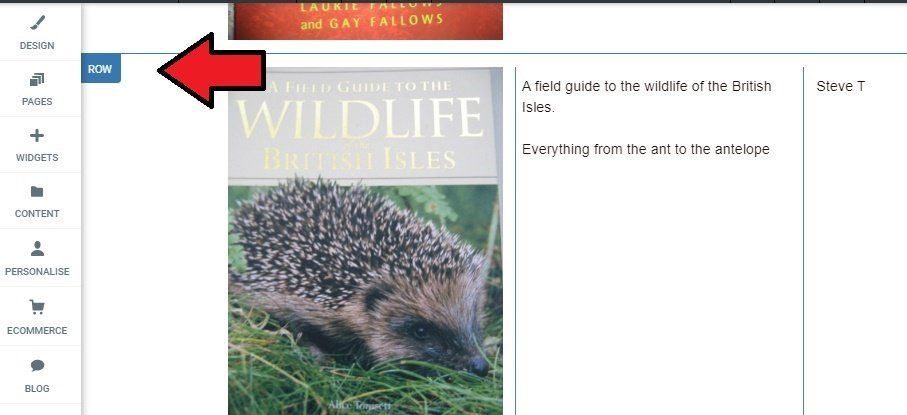
- Click in the row that's nearest to where you want to insert details of the new book.
- Click on [ROW] and select Copy.
- Then click again on [ROW], and from the menu, select Paste.
- Edit the description, type the owner's name, and replace the picture.
To be tidy, store the photograph in the Book Covers folder.